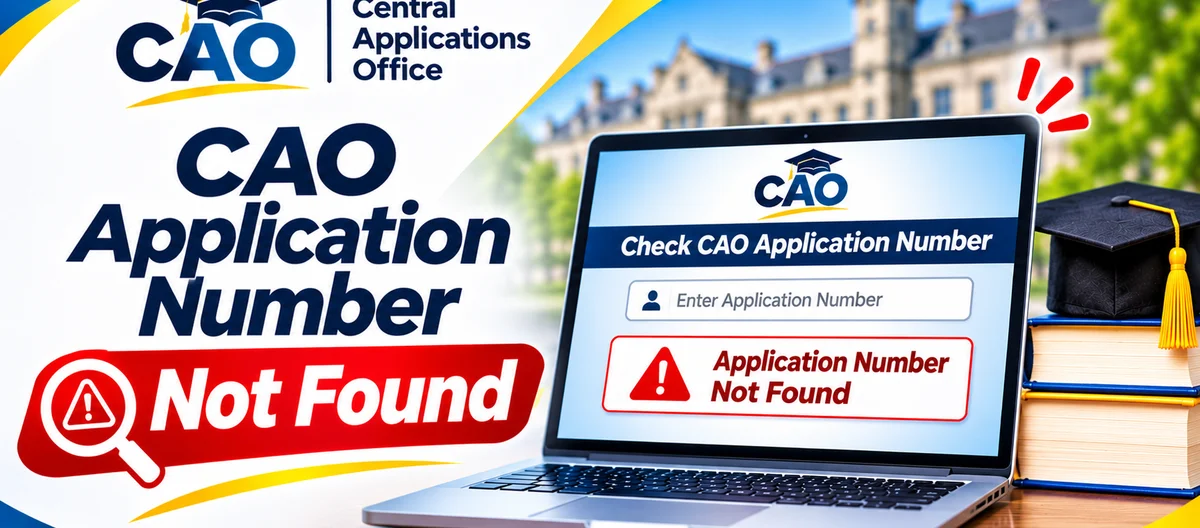
Seeing "CAO application number not found" is enough to make anyone's stomach drop. In most cases, though, it is not bad news about your application itself. Far more often, a digit has been mistyped, the wrong identifier has been used, the application is still being processed, or you have landed on the wrong CAO route for the job.
Below, those causes are taken in order, with a clear route to your real CAO number and a straight answer on when it is time to contact CAO. One thing first, though: do not open a second application as your first move, and do not hand your number or password to anyone who offers to "find" it for you.
First, check which route you are using
CAO runs two separate routes, and swapping them is one of the most common reasons for this error.
Check My Application, the status checker, takes ONE identifier only — your CAO number, your South African ID number, or your passport number — and no password in that flow. The applicant login is the other route: it takes your CAO number and password, and it is where you complete an application, upload documents or change details.
So match the route to what you actually want to do. Just checking your progress? Use Check My Application and enter one identifier. Trying to finish or change your application? Use the applicant login with your CAO number and password. Typing a password where only a number belongs, or a number where a password belongs, is enough for the system to fail to find your record.
Where to find your correct CAO number
Your CAO number is created when you start your online application. CAO states that a pop-up window shows your CAO number, password and EasyPay number, and that the same information is also sent to the email address you provided. Work through these places in order:
- The email that arrived when you applied — spam or junk included.
- Your acknowledgement letter, after CAO has processed your valid application.
- A summary letter or a payment-related letter from CAO, which can also carry your EasyPay number.
- Your own notes or screenshots from the day you applied, if you kept them somewhere safe.
If old messages give you more than one number, trust the one on the most recent official CAO letter for the current application cycle. Do not guess, and do not substitute a university student number, an EasyPay number, or an application reference from another system. None of those is your CAO number.
If the CAO number is nowhere to be found, fall back on one of the other identifiers in Check My Application. Your South African ID number or passport number, typed exactly as it appears on your application, should pull up the same application — and that quickly tells you whether the CAO number itself is the problem, or something else is.
Check the number digit by digit
Before anything else, assume a typing slip. Most "not found" results come down to exactly that, so compare what you typed with the source document character by character.
Look for a digit left out or added, two digits swapped, a letter typed where a number belongs, or a space creeping in at the start or end. Type the number on its own, and do not add dashes, brackets or the word "CAO" in front of it unless the form asks for them.
Copying and pasting can smuggle in hidden spaces, so paste into a plain note first and check it there. On a phone, keep an eye on autocorrect quietly changing a run of digits. One slow, careful attempt beats submitting the same wrong number several times.
Also make sure the identifier type you selected matches the number you typed. If the form asks you to choose between CAO number, ID number and passport number, and you enter an ID number while "CAO number" is selected — or the other way round — your record will not come back.
Has your application actually been processed yet?
Filling in a form is not the same as having a complete application. CAO is clear that you have not yet completed your application until you have finished all steps, and that your application must be paid for and supported by documents before it is made available to institutions.
In particular, check these points:
- Did you click "Process My Application" right at the end, and did the message appear saying your application had been successfully submitted to CAO?
- Did you pay the administration fee in full? A payment usually shows on CAO's system only on the next business day.
- Did you upload the documents required, filed under the correct document types?
If you applied or paid very recently, wait until the next business day and try again. If you never finished the final submission step, the application may still be incomplete — in that case, sign in through the applicant login with your CAO number and password, choose "Continue with online application" if that option is shown, and complete everything it asks for.
Cycle mix-ups cause this too. If you applied for a different entry year or term from the one you are checking now, make sure you are looking at the right cycle: an application for one cycle will not necessarily show up as a current application for another.
Could the identifier on your application be different?
Your application is tied to the identifier you gave when you applied. If that identifier has changed since, the checker may not recognise you under the new one.
That could mean a passport number that has changed since you applied, an ID number with a typing error on the original form, or a married name or surname change that affects a login reset but leaves the number itself untouched. The number is what counts here: use the ID or passport number exactly as it was entered on the original application — not the corrected or newer version — until you have updated your details with CAO.
If you suspect the original application itself carries an error in your ID or passport number, stop trying random variations. Write down what you believe the error is, get your identity document ready, and contact CAO through its official channels for guidance on putting it right. Guessing at combinations will not repair a record error, and it may lock you out or muddle the search further.
When to contact CAO
Reach CAO through the contact details shown on cao.ac.za if any of these applies to you: you have checked your number digit by digit and tried your ID or passport number; you completed and paid for your application more than a few business days ago and still cannot find it; you never received an acknowledgement letter within two weeks of applying and paying; or you believe the identifier on your application is wrong.
Before you get in touch, prepare a short note with the identifier you tried, the exact message you saw, the dates you applied and paid, and whether you received an acknowledgement letter. Keep your password out of that note, and send it only through the official contact routes on cao.ac.za — never to an unofficial address.
And if it turns out the real issue is an institution's decision rather than finding your record, speak to that institution directly: institutions make selection decisions, and CAO does not.
Step-by-step summary
- Use Check My Application with ONE identifier - no password.
- Look for your CAO number in your application email or acknowledgement letter.
- Go through the number digit by digit, leaving out spaces and extra characters.
- If the CAO number fails, try your ID number or passport number instead.
- Make sure you finished the submission, paid in full, and gave the payment a business day to show up.
- Check your spam folder, and think about when the acknowledgement letter should have arrived.
- If the record still cannot be found, contact CAO through cao.ac.za.