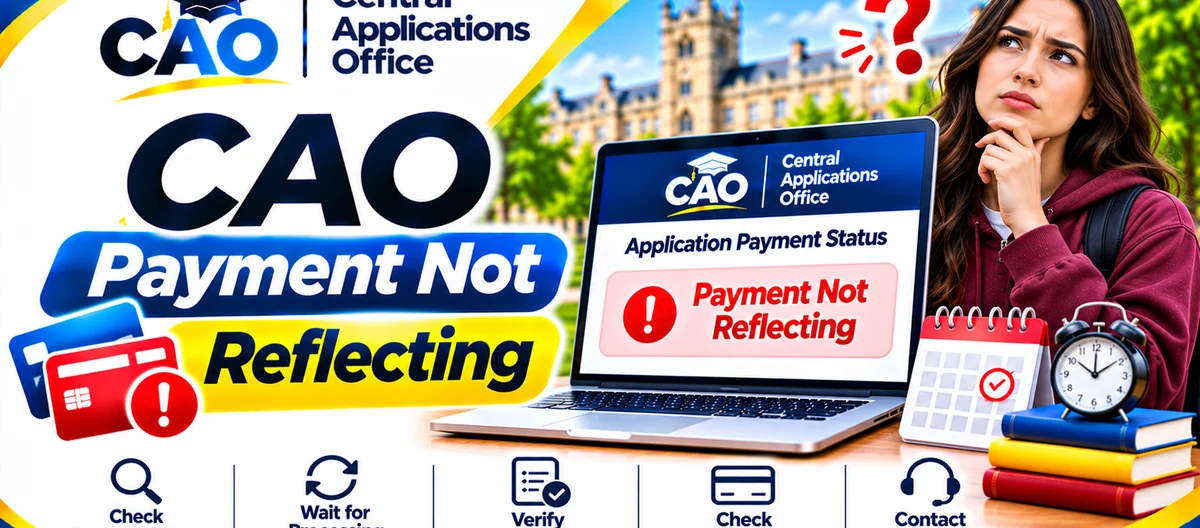
A payment that hasn't shown up yet is stressful — your application only reaches institutions once the full administration fee has arrived and cleared. Usually the cause is timing, a wrong reference or a part-payment, and each one needs a different fix. Below, the causes run in the order CAO's own guidance suggests, so you don't pay twice for a fee you already paid, or wait on a payment that was never matched to you.
What you'll find here: how long a payment normally takes to show up, how to check you used the right reference, what those reminder messages after payment really mean, how to handle a failed card payment and an EasyPay reference that won't work, and when to contact CAO with proof of payment.
First, Wait Until the Next Business Day
Most of the time, the answer is simply that not enough time has passed. CAO's 2027 Entry FAQs put it plainly: pay your administration fee today, and it only shows on its system on the next business day — and once it is received, your application goes to the institutions you applied to.
CAO's Terms and Conditions say the same thing in their own words: an application paid online reaches institutions the day after the administration fee clears at the bank, and one paid via EasyPay reaches them the next business day after the bank has cleared the funds. Weekends and public holidays don't count as business days here, so a Friday payment may only show on the following Monday, and one made just before a public holiday may take longer still.
Before anything else, check the calendar. Paid today, or was yesterday not a business day? Then wait until the next business day has passed before checking your status again. And don't pay the same fee a second time on the same day — a duplicate payment becomes an overpayment that has to be sorted out separately, and a correctly paid administration fee is non-refundable.
Cause 1: You Paid Only Part of the Fee
CAO's FAQs tackle this head-on: still getting messages to pay after you have paid? You may not have paid the full CAO administration fee, and the reminder messages will keep coming until the outstanding balance is settled. Until then, your application won't reach institutions.
Part-payments crop up most often around a fee change. January 2027 entry, for instance, is R250 for South African citizens and R300 for international applicants when the fee reaches CAO on or before 31 October 2026, and R470 and R580 respectively on or after 1 November 2026; July 2027 entry mirrors those amounts around 31 May and 1 June 2027. Paid the on-time amount but the money only reached CAO after the late date? The difference is still outstanding. The same goes if you paid the South African amount when the international amount applied to you.
Fix
- Check the full fee that applies to your entry term and applicant category, in the fee guide and in the amount shown on cao.ac.za.
- Take what you have already paid off the full fee to find the outstanding balance.
- Pay that balance through the official routes — online at cao.ac.za or at an EasyPay outlet — using the right reference for the route.
- Give the balance until the next business day to reflect, then check your status again.
Cause 2: You Used the Wrong Reference Number
CAO's two reference numbers are not interchangeable. Your unique CAO number is for online payments on the CAO website, and also for payments at CAO reception. Your unique CAO-EasyPay number is for payments at an EasyPay vendor. CAO's Terms and Conditions add a hard rule: payments must go to the correct CAO number, and funds paid for one application cannot be moved to another application.
When an EasyPay reference won't work, it is usually one of three things: a mistyped number, the CAO number given instead of the EasyPay number (or the other way round), or a payment made before the application that generated the number was finished. Line the till slip or payment confirmation up against the number CAO issued you, digit by digit.
How to find the correct EasyPay number
Your EasyPay number arrived by email when you applied, along with your CAO number and password, and you may also spot it on some CAO letters, such as a Payment Outstanding, Acknowledgement or Summary letter. Can't find either? Click Check My Application on the CAO homepage, enter your CAO number, ID number or passport number, click Submit, and your EasyPay number comes up on screen. You can also phone the CAO call centre on 031 268 4444 during office hours (Monday to Thursday 08:00–16:30 and Friday 08:00–14:00) for help with your EasyPay number.
Fix
- Put the reference on your proof of payment side by side with the correct number for the route you used.
- If the reference is wrong, don't just pay again — ask CAO first, or you may end up paying twice for the same application.
- Contact CAO through its payment queries channel on cao.ac.za, armed with your proof of payment, your correct CAO number, the reference you actually used, and the date and amount paid — and ask CAO to trace the payment.
- Pay again only if CAO confirms the first payment cannot be matched to your application.
Cause 3: Your Card Payment Failed
A failed online card payment can look exactly like a payment that hasn't reflected — except no payment was taken at all. Before you retry, work through the three checks CAO's FAQs list for card trouble:
- Are you typing in the correct credit or debit card number and expiry date?
- Did you enter the correct one-time password (OTP) sent by SMS or email to authenticate the transaction?
- Did you refresh the web page while the transaction was still processing?
Refreshing mid-transaction is a common cause of failure — it can cut across the bank's authentication step. If any check above fails, fix it and try the online payment once more, without refreshing. Still failing after all three checks? CAO's FAQs direct you to any EasyPay outlet — Shoprite, Checkers, Pick n Pay, Boxer or Woolworths, for example — using your unique EasyPay number as the reference.
Check your bank statement before retrying, too. If the first attempt did debit your account, keep that bank record as proof and contact CAO instead of paying again — the debit may still clear to CAO on the next business day.
Cause 5: You Received Another Message to Pay After Paying in Full
Paid the full administration fee and still getting messages asking you to pay? CAO's FAQs give a direct instruction for exactly this: forward your proof of payment to CAO's payment queries channel so CAO can assist you. That is the right move when the amount, reference and timing all look correct but the system hasn't matched the payment yet.
Have these ready before you contact CAO, so your query can be traced in a single exchange:
- Your full name and your CAO number.
- The date and time of the payment, and the amount paid.
- How you paid — online card or EasyPay outlet — and the reference number you used.
- Have a clear copy or photo of your proof ready: for an online payment, that means the on-screen confirmation or your bank record; for an EasyPay payment, it means the till slip.
- The exact wording of the status or message you are seeing, plus the date you first saw it.
Keep a copy of everything you send. And if you paid at an EasyPay outlet, photograph the till slip the moment you get it — till print fades, and a faded slip is hard to use as proof later.