Saying yes to a CAO offer is a big step, but it is not the last one. Next comes registration, and your institution runs that part, not CAO. Here is what happens once a firm offer has been accepted, when registration usually takes place, and how to get ready so the day itself runs smoothly.
The split of roles is what matters most here. CAO processes applications and passes decisions between you and the institutions. Institutions make the selection decisions, take your acceptance, and run registration. That is why your registration dates, venue or online process, documents and fees all come from your institution — and why no general page can stand in for its registration notice.
What happens after you accept a firm offer?
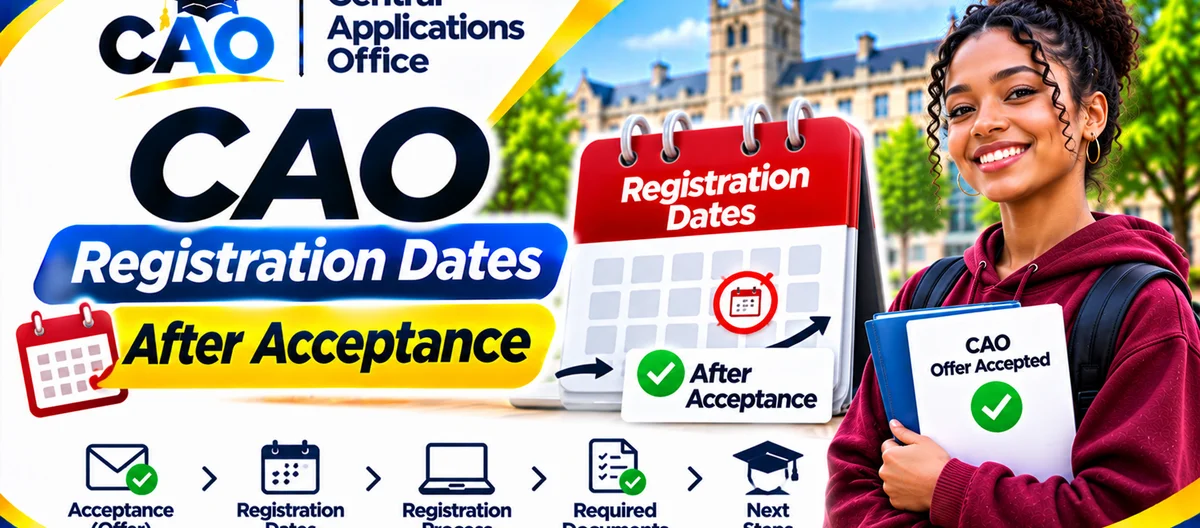
The CAO 2027 Entry FAQs, section 8.6, lay out the order in a single paragraph: once you have accepted a place and paid the deposit requested, the institution should send you details of registration. Packed into that sentence are three steps, in order:
- You accept the place with the institution, by following the steps in its offer letter or message, before any deadline it sets.
- You pay any deposit requested to the institution, not to CAO. Most institutions ask for a non-refundable Acceptance of Offer fee, and that fee usually counts towards your registration and tuition fees.
- The institution sends you registration details. These tell you when, where or how to register, what to bring along, and what to pay.
If you have accepted and registration details still have not arrived, first check whether a deposit or document is still outstanding, and whether the institution has said when registration information will be sent. The CAO status checker does not send registration details, so a status line that still reads Firm Offer does not mean the information is lost — it means you should be watching for the institution's registration message instead.
When does registration take place?
The CAO 2027 Entry FAQs give general registration windows, and these are the only registration timing figures used in this guide:
- First semester registration runs from the second week of January to the beginning of February.
- Second semester registration runs from June to August.
The FAQs add a qualifier you should not skip: check the institutions' websites for details. Those windows show the general pattern for the cycle the 2027 Entry FAQs cover; they do not promise that your institution registers on any particular day inside them, and they do not replace your institution's own registration notice. One institution may register different faculties, programmes or campuses on different days inside the window, and it may register students online, in person, or both ways.
Do not book travel, accommodation or time off work around a registration day you have guessed. Wait for the institution's registration details, then plan around the date, time and venue or link it actually gives you.
How registration usually works
Every institution runs its own process, yet registration usually covers the same kinds of steps. Use the list below to prepare, and check each item against your institution's notice:
- Receive the registration notice. Read the whole thing: date, time, venue or online link, and any session set aside for your faculty or programme.
- Confirm your personal and programme details. Check that your name, identity number, programme, campus and starting term match your offer. Raise any mismatch with the institution before registration day.
- Prepare your documents. Typically, you will need your identity document or passport, your offer and acceptance confirmation, proof of any deposit or fee payment, and your final academic results or certificate. Some programmes ask for extra documents, such as a medical certificate or proof of residence application. Bring originals and copies if the institution asks for them, and keep digital copies too.
- Settle or arrange fees. Registration usually requires payment of registration and tuition fees, or proof of an approved funding arrangement. CAO does not decide NSFAS funding, so if you depend on NSFAS or another bursary, confirm separately that your funding is in place, and take whatever proof the institution asks for.
- Select modules or subjects, if required. Some programmes ask you to choose modules or confirm a curriculum during registration. If a choice is unclear, ask a faculty adviser at registration rather than guessing.
- Complete the registration record. Follow the institution's process right to the end, and keep the confirmation it gives you — a registration receipt, a student number, or an online confirmation. That confirmation, not your CAO status, proves you are registered.
- Collect or activate student access. Once you have registered, institutions usually issue or switch on a student card, an email account, or learning-platform access. Follow the institution's instructions for each one, and keep those login details private.
If your institution registers students online, test your login and connection beforehand, and keep the institution's help contact close at hand. If registration is in person, arrive early, bring everything on the checklist, and leave room in your day for queues.
Registration after a conditional offer
Registration after a conditional offer follows the same pattern, with one extra hurdle: the offer has to be confirmed first. A conditional offer rests on you meeting the stated requirements, usually your final results. Once those requirements are met and the institution confirms your place, the acceptance and registration order runs as above. Do not turn up to register on a conditional offer until the institution has confirmed that your place is confirmed, unless its letter expressly tells you to register on a stated basis. If you are unsure, ask the institution.
What if you have not received registration details?
Work through these checks in order:
- Make sure you accepted in the right way — with the institution, not CAO — and that any deposit asked for has gone to the institution with the correct reference.
- Look through your email, SMS messages and any institutional portal for a registration notice. Remember to check your spam or junk folders too.
- Visit the institution's website for its registration dates and notices for your faculty or programme.
- Get in touch with the institution's admissions or registration office directly. Quote your CAO number, programme and acceptance reference, and ask when the registration details will be sent.
- Do not only contact CAO and then expect registration details to arrive, because registration is handled by the institution. CAO can help with application questions, but it does not run institutional registration.
Common mistakes
- Thinking that acceptance on its own makes you a registered student. It does not. Registration is a separate step that comes later.
- Waiting on CAO to send registration details, when it is the institution that sends them.
- Planning around a date you guessed inside the broad January–February or June–August windows, rather than the institution's own specific date.
- Turning up at registration without proof of payment, your final results, or your identity documents.
- Thinking your funding is sorted just because you received an academic offer. Funding, including NSFAS, needs its own separate application and decision.
- Giving your registration or portal passwords to anyone who offers to “register for you”. Registration is personal, so your login details must stay private.
A simple preparation checklist
- [ ] Firm offer accepted with the institution, before its deadline.
- [ ] Any acceptance deposit paid to the institution, with proof of payment kept.
- [ ] Institution's registration notice received and read from start to finish.
- [ ] Registration date, time, venue or online link written down.
- [ ] Identity document, offer and acceptance confirmation, proof of payment and final results ready to go.
- [ ] Fee payment or funding proof arranged the way the institution requires.
- [ ] Registration confirmation kept once the process is complete.